I know I’m not the only one bored out of breath with the everyday AI writing tools everyone is hyping.
But I guess I’m among the nosy 5% who would dare do something about it.
And by something, I mean go in search of lesser-known names due for public discussion, and … rant about them.
👉 Note that this list of AI tools, like almost every other opinionated software review on OpenTech World, was carefully picked for creatives who enjoy a blank page and like to dabble with their muse as they put pen to paper. So if you’re big on automating the whole writing process, kindly take a bow.
1. Sudowrite: for generating sensory alternatives and metaphors
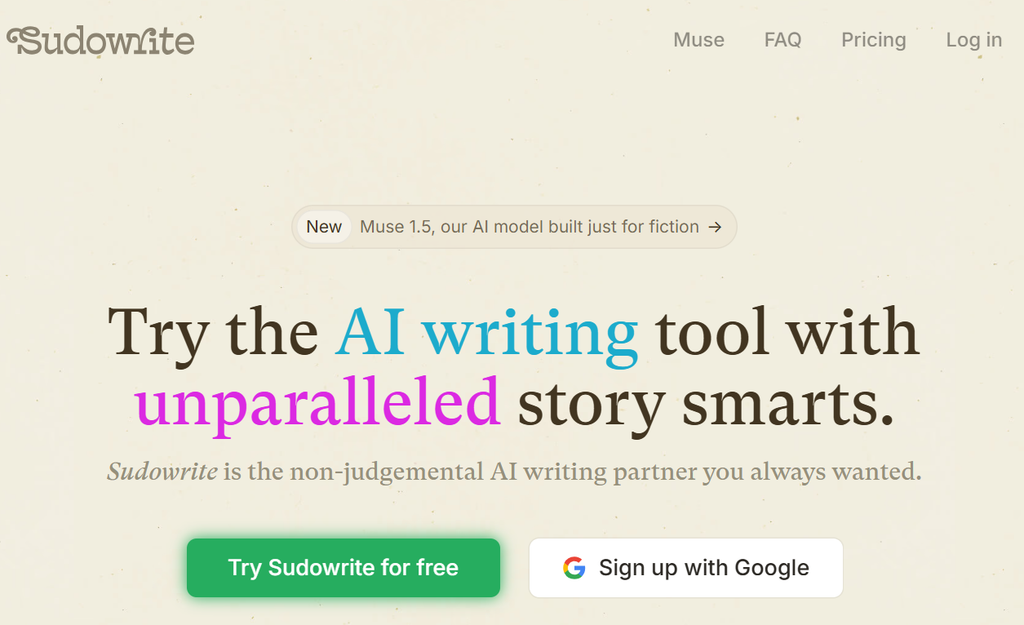
Sudowrite is made for fiction writers, and the features show it.
Story Bible keeps track of your characters and settings, Describe suggests sensory details for a scene, and Brainstorm throws out plot ideas when you are stuck.
I don’t write novels, but I always look forward to stealing and learning from its sensory prompts, because why not? Deciphering and describing what more money smells like, how it tastes on a Louis Vuitton bag, and the feeling of security that comes with bagging a bundle makes every copy more vivid.
Price tag: Sudowrite’s Hobby & Student plan starts at $10 a month and a Professional plan at $25 a month.
Behind the scenes: Reviewers say the AI tool’s features serve storytelling and little else, so marketing emails and SEO posts are outside its lane, and I find that honest and limiting in equal measure. They also describe it as premium-priced for hobbyists, which I’d call steep for someone writing for fun. One review reports mixed results for literary fiction, where it can struggle with highly experimental styles, and that stings a little, since experimental is where I like my muse to play.
2. Jenni AI: for writing that can’t thrive without footnotes

Jenni AI is an academic writing assistant with autocomplete, in-text citations in several styles (including APA and MLA), PDF uploads, and a chat panel for questions about your sources.
If your blog posts are not as opinionated as mine (where your voice is the point of the post), then I guess you see the appeal.
What I can’t shake is the question it forces on every creative: where does help with thinking end and thinking for you begin? I’d let it fetch the sources and keep the argument for myself.
Price tag: There is a free plan, and one listing puts the Unlimited plan at $30 a month.
Behind the scenes: Reviewers report that it can run slowly on long documents and produce generic text, and that the free plan is limited. On the side, I’ll also urge you to never trust a citation from it (or any other tool) without cross-checking, because AI-generated references can be wrong or even invented.
3. Moonbeam: for expanding paragraphs
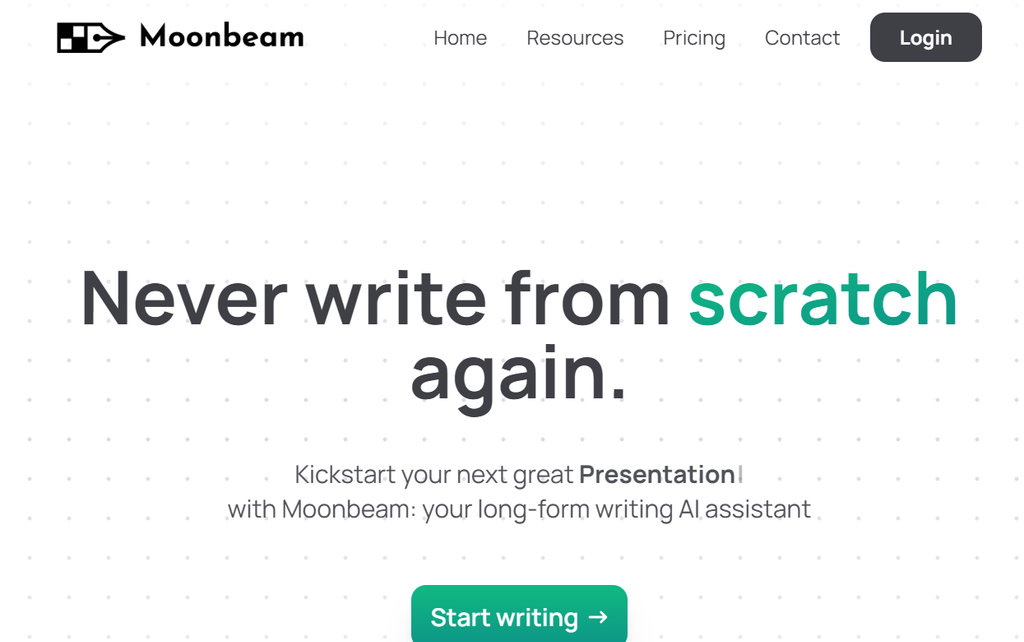
Moonbeam is aimed at long posts and essays.
You pick a topic, it builds an outline, and then it expands each section paragraph by paragraph. Its Wizard turns messy notes into structured text, and a custom style generator is meant to match your tone.
But I worry that folks will spam the web with it. Not to mention the fact that the middle of a long draft is where I start clocking in on ideas (like most other creatives I know), and I fear Moonbream might suck up the part of the post where my best idea was supposed to shine.
Price tag: Pro costs $49 a month on annual billing, and Team costs $99 a month per seat.
Behind the scenes: It has no built-in grammar checker, so you will want a proofreading tool alongside it. Reviewers also say its output can come out generic and needs heavy editing for voice, that it may struggle with niche or highly technical subjects, and that it offers little advantage over general-purpose AI tools unless you specifically want its long-form structure. But I’d say check it out for yourself; there are so many paid reviewers spamming the web.
4. Lex: for thoughtful, focused editing
Lex is a minimalist online editor with AI built into the page. You can highlight a stretch of text and ask for a rewrite, leave comments in the margin, and write alongside a teammate in real time, much the way you would in Google Docs.
But its stripped-down, distraction-free environment with hidden menus makes it a more thoughtful, focused editor than Google Docs.
I’d still stay alert, though, because the AI sits right beside your sentences, and I know how quickly “just one rewrite” turns into “rewrite the whole paragraph.”
Price tag: There is a free plan, but the pro starts at $18 a month.
Behind the scenes: Offline support is limited compared with native desktop editors, and I’d call that a real problem for anyone whose connection drops mid-thought. One reviewer says short, transactional writing goes faster in ChatGPT or Gemini, and I can’t argue with that, since a tool built for long drafts will feel heavy for a quick caption.
5. HyperWrite: for guessing your next sentence
HyperWrite is a Chrome extension.
Its TypeAhead feature suggests the next few words or sentences in text fields across the web, including Gmail, Google Docs, and Notion, and you press Tab to accept. It has since grown agent features that automate tasks in the browser, a long way from its start as plain autocomplete.
I find the Tab key the most honest part of the tool. Every suggestion waits for my approval, so I get to see how often it guesses my sentence correctly and how often that bothers me.
Price tag: The free tier gives you 15 generations a month, Premium costs $19.99 a month, and the Ultra tier at $44.99 a month adds the agent features.
Behind the scenes: HyperWrite lives in Chrome and other Chromium browsers only, so I’d cross it off if you write in anything else. Reviewers call the agent features inconsistent and the free tier very limited, and I can’t see paying $44.99 a month for a feature set described that way. But again, reviewers and their biases.
So… which one should you try?
Please don’t try all five. I’d pick the one whose beef I value most:
Sudowrite if you write fiction, Moonbeam for long-form, Jenni AI if your posts lean on research, Lex if you want a plain editor, and Hyperwrite if you want an autocomplete.
If your budget is zero, Lex, Jenni AI, and HyperWrite all offer free versions, but I’d read the limits on each before committing. The priciest of the five is Moonbeam at $49 a month.
Whichever you choose, I’d ask what the tool takes off your plate and whether that chore was the workout your muse needed. Test one this week and write down what you miss when you close it. That list is your taste, and it belongs to you.
👉Open Tech World is a blog for creatives in search of the best tools for their creative process. We won’t say our reviews are unbiased (even though they are), but you’ll have a chill time reading them. Till next time.