I get flak for hating on AI writing tools.
And sometimes, more often than I’d like to admit, I like to think myself an AI purist.
But when you spend a good deal of your precious 24 hours talking and romanticizing about AI tools (like I do), you start to subconsciously ask existential questions like: Am I really an AI hater? Or just another fine folk allergic to the snake oil narratives the AI bros are selling?
And at this point, I believe the latter to be the case. Which means I’m obligated to provide an evidence-based reality of what a fine stack of AI writing tools can actually do for you.
👉 Like every list on Open Tech World, this one is for creatives who enjoy a blank page and like to dabble with their muse as they put pen to paper. If you’re big on automating the whole writing process, kindly take a bow.
⚠️Fair warning: most of these aren’t AI at all, and two of them have an AI feature I’d tell you to ignore. I’ll flag which is which. Prices and limits are as of October 2026, so check each pricing page before you pay.
1. OneLook: for words stuck on the tip of your tongue
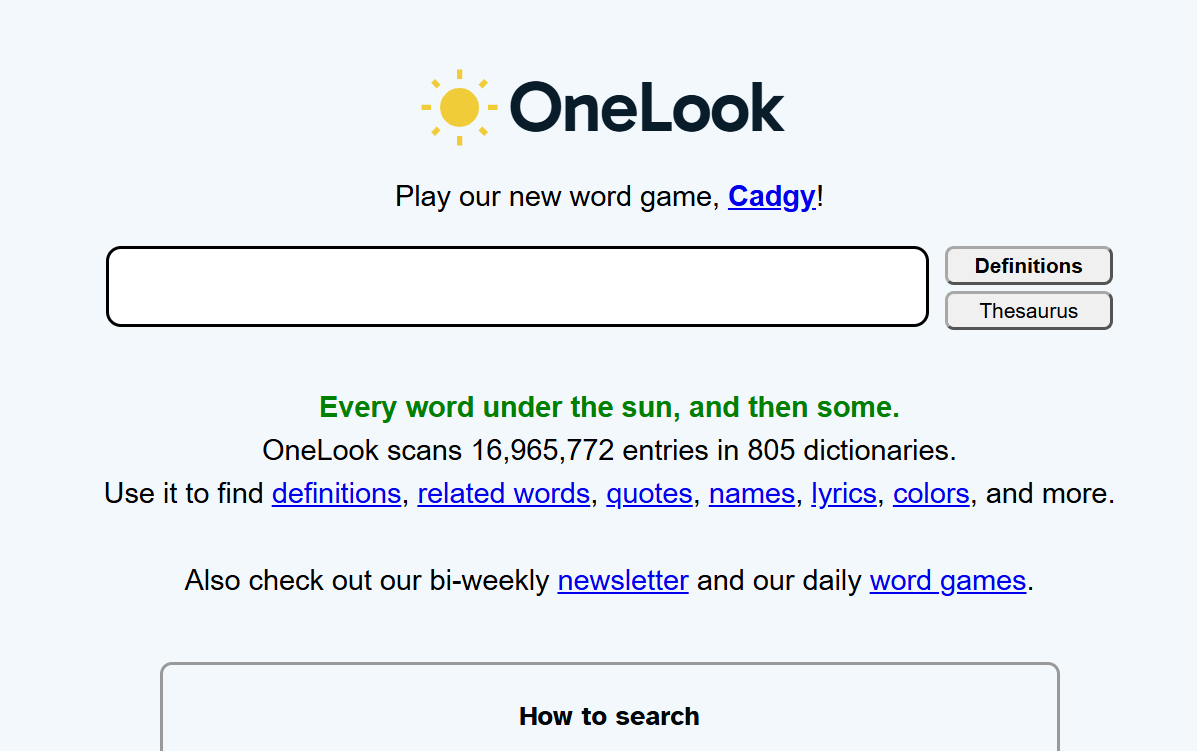
OneLook’s reverse dictionary lets you describe a concept in a few words, and hands back words and phrases related to it. Type something like “constant need to travel,” and you get wanderlust. It also searches dozens of dictionaries at once, and it has a color thesaurus for words that match a color.
This is the opposite of letting a bot choose your word. I describe the itch, OneLook hands me a shortlist, and I pick.
Price tag: Free.
My Experience: It’s an old-school lookup tool with a plain interface, and vague descriptions get you vague lists, so keep your description short for the best results. It also hands you words, not taste. Use it carelessly, and you’ll be dragging unwieldy words from the thesaurus into every sentence.
2. Wordnik: for surveying how words behave in the wild
Wordnik is billed as the largest online English dictionary by number of words. It pulls definitions from several dictionaries, then adds real example sentences, etymologies, and related words.
Before I commit to certain words, e.g., ‘ esoteric’ or ‘mercurial’, I like to see it out in the wild, doing its job in somebody else’s sentence. Wordnik shows me that, and then leaves the choice with me.
Price tag: Free to use. If you’re a developer, its API is free with a key, with rate limits, and commercial use may need approval.
My Experience: It’s a reference tool, not a writing space, so be careful; the depth can swallow an afternoon when you should be writing. Example sentences also come from all over, so I’d check where one came from before borrowing its tone.
3. RhymeZone: for hearing your sentence before you write it
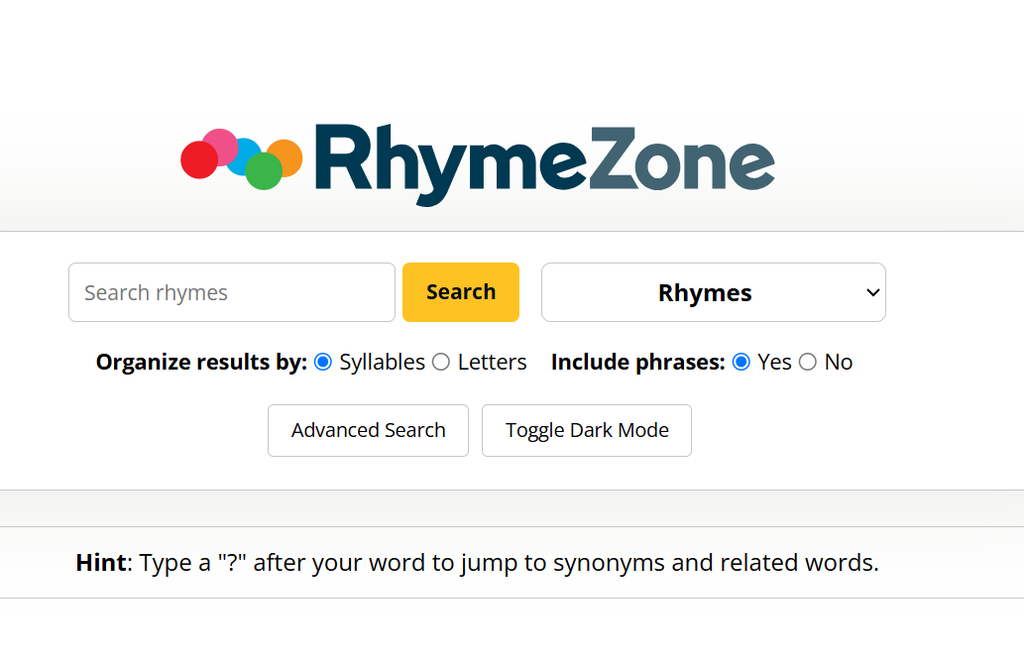
RhymeZone is a rhyming dictionary and thesaurus that finds rhymes, near rhymes, synonyms, antonyms, homophones, similar-sounding words, and words with the same consonant pattern. Its Poet Maker feature matches words on both meaning and rhyme.
It isn’t only for poets. Copy has a rhythm too, and a near rhyme in a headline or a repeated consonant in a line is often what makes a sentence stick.
Price tag: The website is free with ads. The iOS app costs $2.99 and works offline, with ad-free browsing of RhymeZone and OneLook inside it.
My Experience. It’s a lookup tool that knows nothing about your sentence, so it will happily hand you a rhyme that wrecks your meaning if you let it.
4. Ludwig: for borrowing the rhythm of sentences that already work
Ludwig is a sentence search engine. You type your best guess at a phrase, and it returns real example sentences from reliable sources so you can see whether the phrase holds up. Its own pitch is that it’s neither a translator nor a proofreader, but a search engine that taps the oldest learning tool we have: imitation.
Imitation is how every great writer started, so I don’t think it’s cheating. Ludwig also has paraphrasing, grammar checking, and AI-assisted suggestions. Those are the buttons I’d leave alone, and the first of the two AI features I said I’ll tell you to ignore.
Price tag: The free plan gives you 5 searches a day. Premium adds unlimited searches, domain filters, and the option to upload your own documents as reference sources.
My Experience: The tool was built for people writing English as a second language, so it won’t help much if you consider yourself a pro. And beware of the AI extras; it’s creeping too close to the part of the work I want to keep for myself.
5. InfraNodus: for identifying patterns and gaps in data
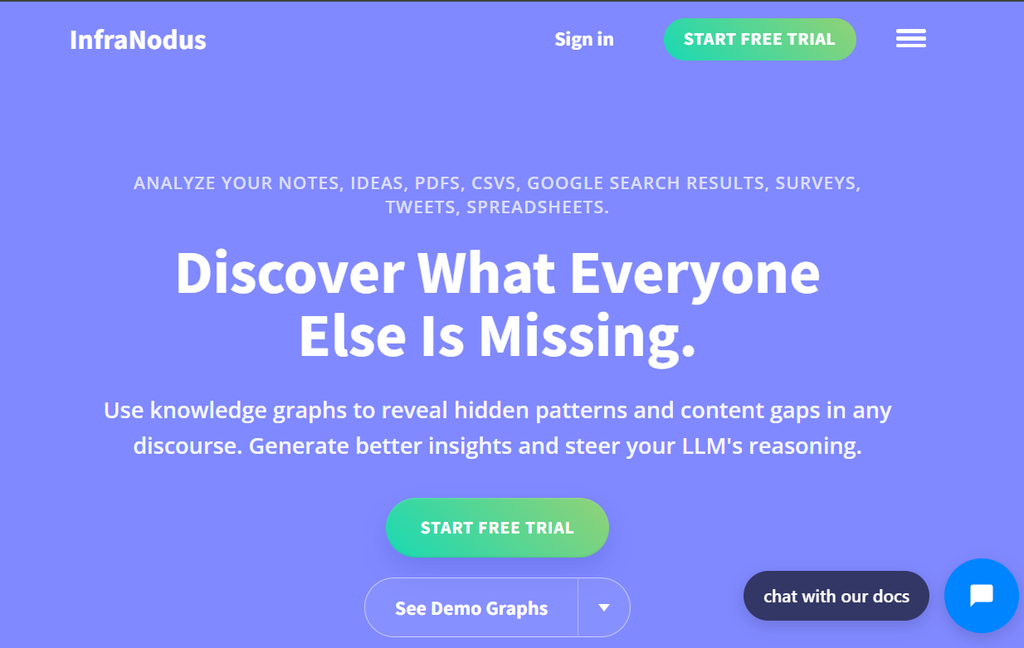
InfraNodus turns your notes, or any text you paste in, into a network graph. You see the clusters of ideas, the concepts that carry the most weight, and the gaps where two clusters could connect but don’t. Its built-in AI can suggest ways to bridge those gaps.
Here’s how I’d use it: paste in my own rough notes, study the graph, and ignore unwarranted AI suggestions.
Price tag: There’s no free plan, only a 14-day free trial. Paid plans start at around €12 a month.
My Experience: Once the trial ends, you pay, and you might find that steep if you only use the tool once or twice a week. It also feels like a data-science tool, so you may need to understand some network analysis to read the graph.
Before you go, here’s a question you need to ask before settling for any AI writing tool:
What is this AI writing tool taking off my plate, and was that the chore or workout my muse needed?
Because for me to be able to cook up blogs like these on a regular basis, I must be the master chef, able to make something tasteful out of the ingredients every tool on my list hands me.
As in this case where OneLook hands me the words, RhymeZone the sound, InfraNodus the gap, and so on.
Alright, that’s it.
👉Open Tech World is a blog for creatives in search of the best tools for their creative process. We won’t say our reviews are unbiased (even though they are), but you’ll have a chill time reading them. Till next time.