I sometimes wonder if we’ve been a little too carried away with the idea of AI agents doing our bidding. We’ve barely finished teaching them to navigate the web, and already we’re expecting them to take over our phones, run our apps, and do all the little things we would rather not be bothered with.
Well, fair enough. That’s what having an assistant is supposed to mean, right?
Except there’s a little problem with that grand ambition. Most AI agents are rather comfortable working with websites, APIs, and all the other digital conveniences we’ve made available to them. But put one in front of an Android app and suddenly, all that artificial intelligence starts looking like a rather expensive way of doomscrolling.
And that’s why I’m writing this piece: to tell you about Android cloud phones.
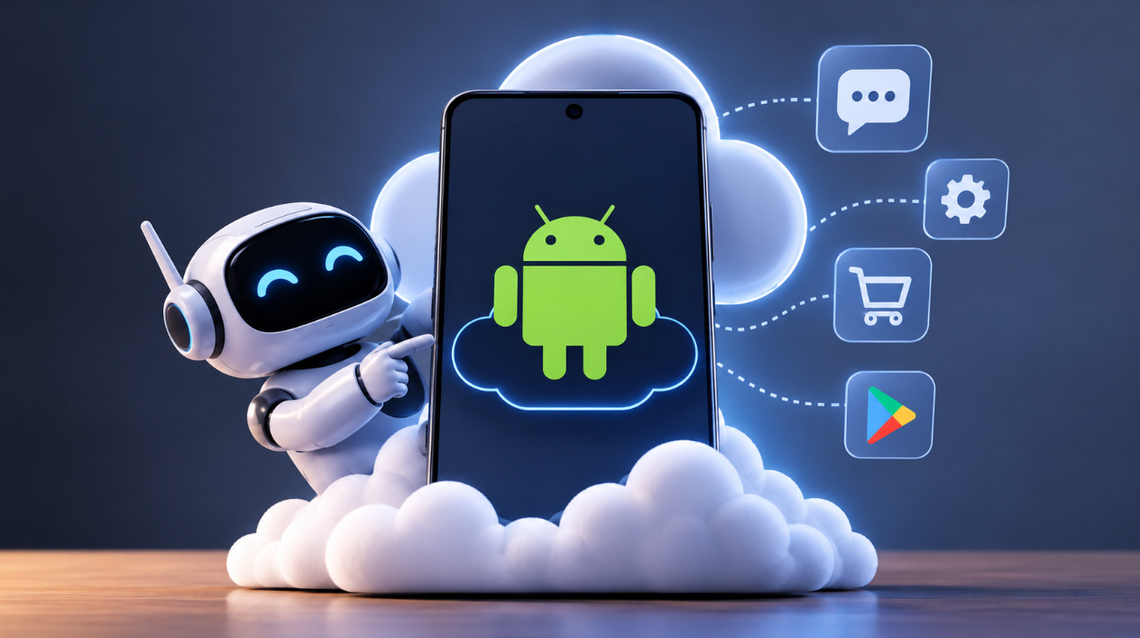
Android cloud phones give AI agents access to Android environments they can operate remotely. Think of them as phones living somewhere in the cloud, waiting for your agent to open an app, read what’s on the screen, tap a few buttons, type a message, and hopefully get the job done without calling you every five minutes.
And no, they’re not all created equal.
Some are built for developers who want their coding agents to test mobile apps. Others are more interested in managing multiple social media accounts. Then there are platforms making it easier for AI agents to interact with Android apps through MCP servers, APIs, and SDKs.
I’ve been looking at five cloud phone platforms worth keeping an eye on as we head into 2027. And here’s the gist.
1. Phonebox
For AI agents that need a phone they can actually operate.
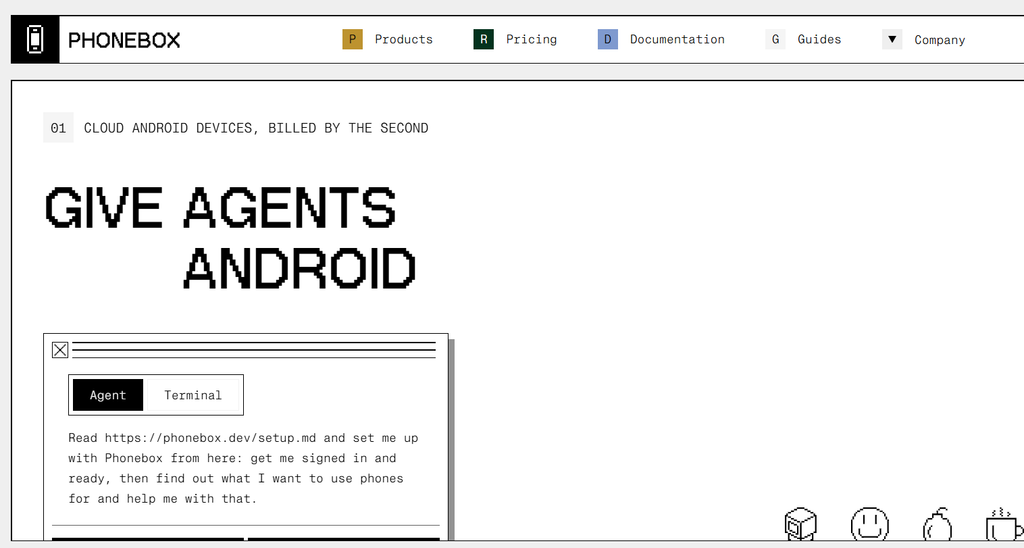
There’s a difference between giving an AI agent access to a phone and giving it the means to use one. Phonebox understands this distinction pretty well, and that’s why it tops my list.
Rather than simply handing you a collection of Android devices to manage, Phonebox provides an environment your agent can interact with directly. It can create a cloud phone, inspect what’s happening on its screen, tap, swipe, type, and open applications.
The interesting bit is that it doesn’t rely entirely on your agent squinting at screenshots and guessing where the next button might be. Phonebox can return a numbered text representation of screen elements, giving compatible agents a more structured way to identify what they’re supposed to interact with.
A little reservation: Phonebox is Android-only. It doesn’t provide a phone number, SMS inbox, calling, or ADB access. So if your workflow depends on any of those, you might want to look elsewhere.
Pricing: $0.06 per running phone-minute, billed by the second, with a one-minute minimum. Parked phones are free.
2. Mobilerun
For building more complete mobile-agent workflows.
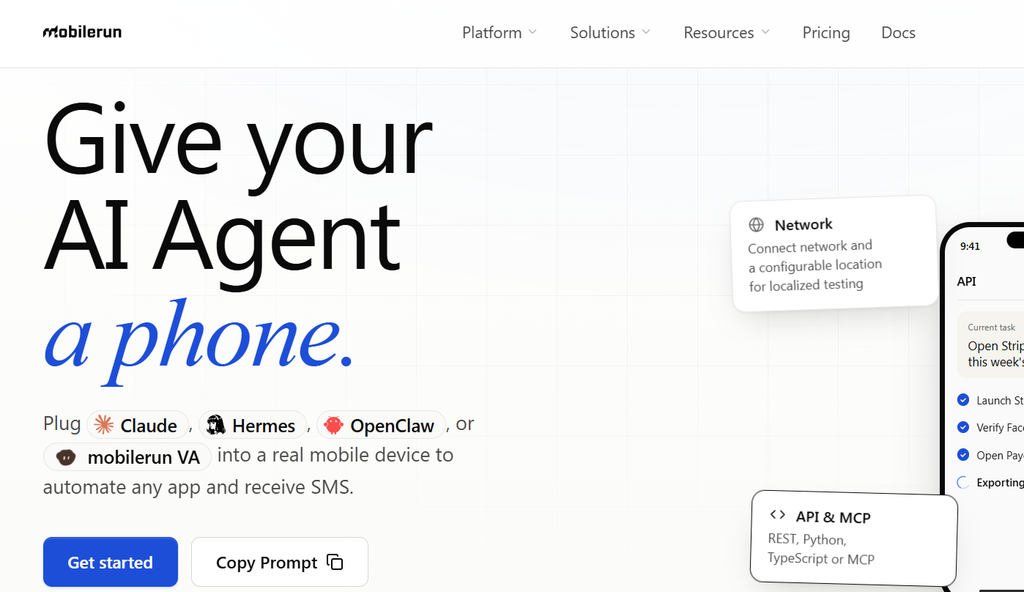
Mobilerun is one of those platforms that makes you wonder why we’ve been treating mobile automation as a separate headache from the rest of your AI workflows.
It brings together cloud devices, agent execution, networking, persistent app state, and observability. In simpler terms, it gives developers several of the ingredients needed to build an AI agent that can work inside mobile applications.
Your agent can inspect screens, tap, swipe, type, and take screenshots. You can also watch its activity through a live view, which is particularly useful when you want to confirm that your agent has actually completed.
I find the possibility of starting locally and moving to the cloud rather appealing, too. Mobilerun has an open-source framework behind its cloud offering, so developers can experiment before deciding whether they need the additional infrastructure.
A little reservation: There’s quite a bit happening under the hood, which means you’ll want to pay attention to how the platform charges for device minutes, agent credits, network usage, and dedicated devices. Don’t let a seemingly modest starting price convince you that all the other expenses have agreed to behave themselves.
Pricing: Its Developer plan is listed at $20/month, with five concurrent phones and 600 device minutes. Additional device time is listed at $0.03 per minute. Dedicated Android devices are available separately.
3. Limrun
For coding agents that need to build and test Android apps.
I find it rather amusing that we’re getting AI coding agents to build mobile applications, yet still need to find ways to check whether those applications actually work.
Writing code is one thing. Opening the application, testing its buttons, checking the login screen, and making sure everything behaves as expected is quite another.
Limrun helps bridge that gap.
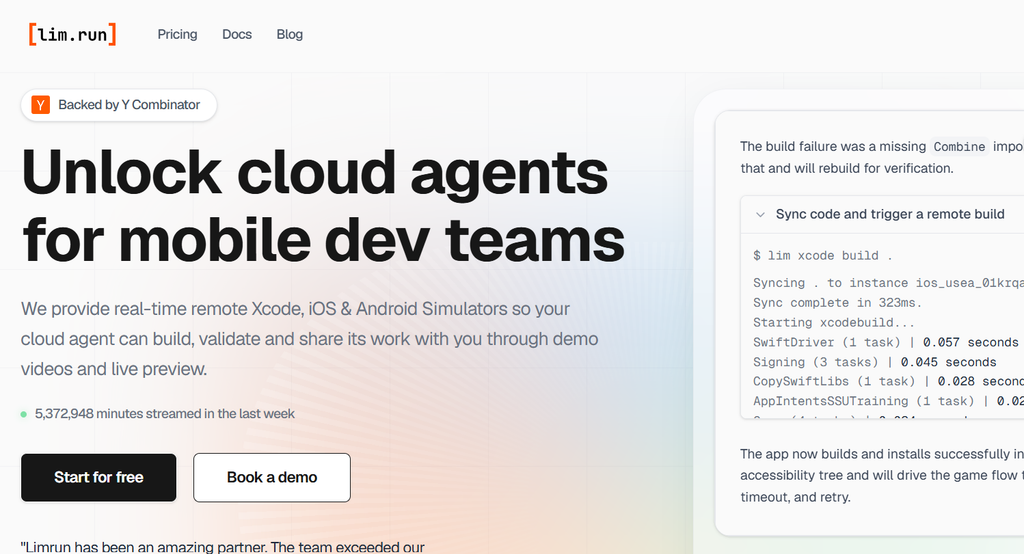
It provides cloud-hosted Android emulators that coding agents can create and control remotely. So instead of having to set up Android Studio and maintain an emulator locally, you can give your agent access to an Android environment in the cloud.
Your agent can inspect screenshots and accessibility information, interact with the emulator, and test the application it’s building. Limrun also supports remote builds for projects such as React Native and Expo.
A little reservation: Limrun is primarily an emulator and development environment, not a replacement for a physical Android handset. If the app you’re testing relies on physical hardware or device-integrity checks, don’t assume an emulator will pass for the real thing.
Pricing: Limrun offers usage-based, monthly, and annual plans, with trial credits for new users. Exact rates depend on the plan and device configuration.
4. GeeLark
For AI-assisted social media workflows.
Some people collect books. Others collect vintage watches. And then there are people who collect social media accounts, apparently believing that managing one account is a rather modest ambition.
If you’re in the latter camp, GeeLark might be worth a peek.
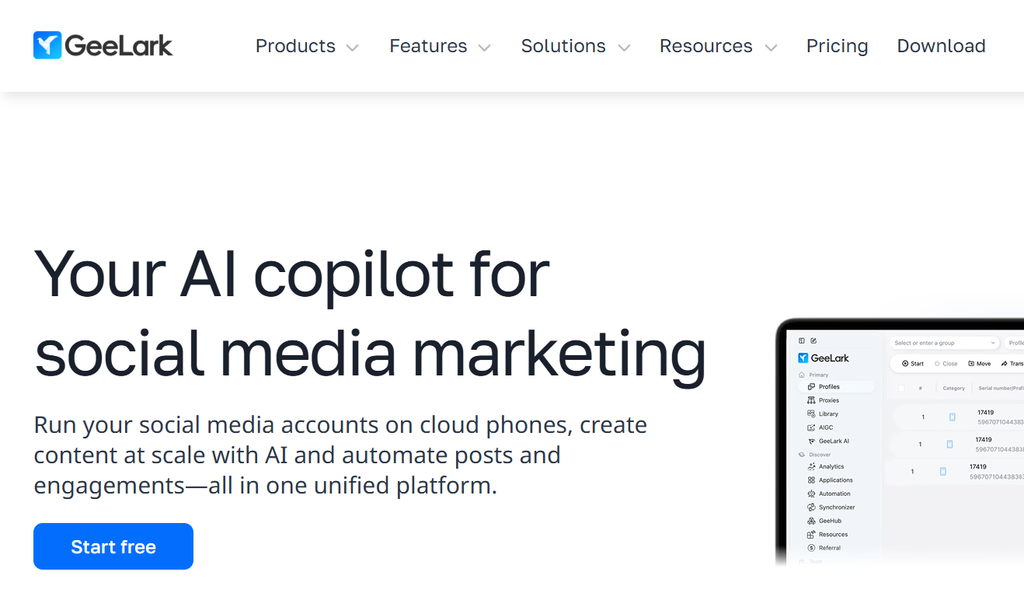
The platform is known for its cloud phones and multi-account management capabilities. It gives users virtual Android environments for managing social media apps without having to keep several physical phones lying around.
But its newer Phone Use offering makes it interesting for AI agents, too.
The idea is to let an agent interact with supported mobile applications through the cloud phone. It can observe the screen, tap, type, and verify what happened. One of its demonstrations walks through preparing an Instagram post. Opening the app, selecting an image, tagging people, adding a location, choosing music, publishing, and checking the result.
A little reservation: Don’t confuse the fact that GeeLark supports multi-account management with a guarantee that every social media app and automation workflow will work as expected. App compatibility and platform restrictions still apply. Also, check which operations are supported through MCP, CLI, and API individually.
Pricing: GeeLark has different subscription and device-usage arrangements. Your final bill depends on the plan, number of phones, and automation requirements.
5. DuoPlus
For batch automation across multiple cloud phones.
I don’t know what it is about repetitive tasks that makes them so particularly offensive to the human spirit. Perhaps it’s the realization that we’ve been given the gift of intelligence only to spend half our waking hours doing the same thing over and over again.
DuoPlus seems to have taken that complaint rather seriously.
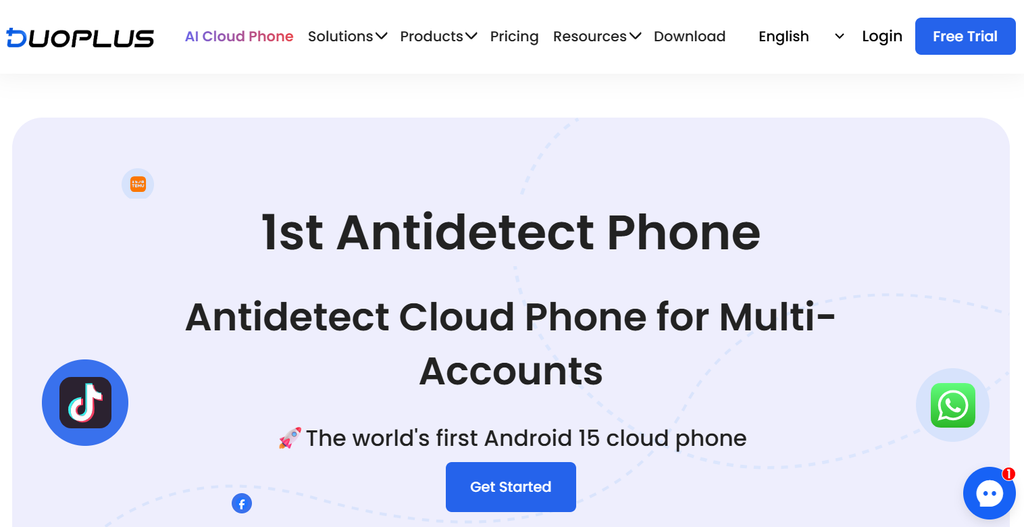
The platform offers cloud Android phones alongside AI-assisted automation features. Its DUO+ AI Agent lets users issue natural-language instructions for supported phone operations, while batch execution makes it possible to run workflows across multiple devices.
Developers also get access to an AI-controlled Cloud Phone API. An API that documents operations for retrieving a device’s screen and UI elements, tapping, long-pressing, entering text, swiping, scrolling, and navigating between applications and pages.
In other words, your automation isn’t restricted to creating a phone or installing an application. It can interact with the interface itself.
A little reservation: There’s a bit of configuration involved. The target phone must be running, HTTP automation needs to be enabled, and the gateway requires the right device IP, region, and API authentication. Not exactly the sort of setup I’d recommend to someone who shy’s away from technical docs.
Pricing: DuoPlus pricing varies by phone version, rental arrangement, and subscription.
Wrapping up
I think we’re getting a little ahead of ourselves when we talk about AI agents taking over our digital lives. Not because they can’t do useful work, but because we’ve barely scratched the surface of the environments they need to operate in.
The web is one thing. Mobile applications are another.
If you want an agent to operate Android apps directly, I’d start with Phonebox or Mobilerun. If you’re building mobile applications and need your coding agent to test them, Limrun deserves attention. GeeLark and DuoPlus make more sense for multi-account and batch automation workflows.
👉Open Tech World is a blog for creatives and curious minds in search of tools that make their work a little less herculean. We won’t pretend our reviews are without opinions. In fact, that’s kinda the point. Till next time.