I have a personal vendetta against the phrase ‘Does Tuesday work for everyone?’ I’ve received that email, I’ve sent that email, and I’ve also watched it spawn a 47-message thread that somehow ends with no meeting scheduled.
Doodle was built in 2007 to solve exactly that problem: how do you find a time for a group of people to meet when they use different tools, different platforms, and have no shared system?
Nearly two decades later, it’s still one of the first tools people reach for. But the scheduling software market has gotten crowded since then, and ‘we were first’ isn’t a good enough reason to keep using something.
So I put it through its paces to see if the reputation still holds in 2026. Keep on reading for my honest Doodle review!
What is Doodle?
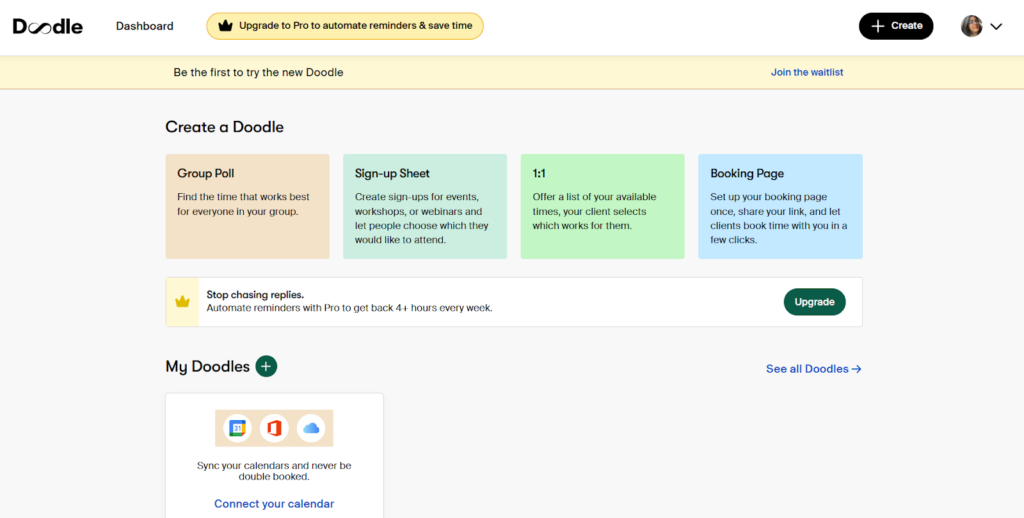
Doodle is designed to streamline scheduling by allowing users to propose multiple dates and times, which participants can respond to without needing an account.
It’s a Swiss SaaS platform, which honestly tracks, because it’s very efficient and no-nonsense. You get four core scheduling types: group polls, booking pages, 1:1 invites, and sign-up sheets.
Key Features of the Doodle Scheduling Tool
I tested Doodle’s scheduling tool across a few real use cases before writing this, including group planning, client booking, and internal team coordination. Here’s what I found.
Group Polls
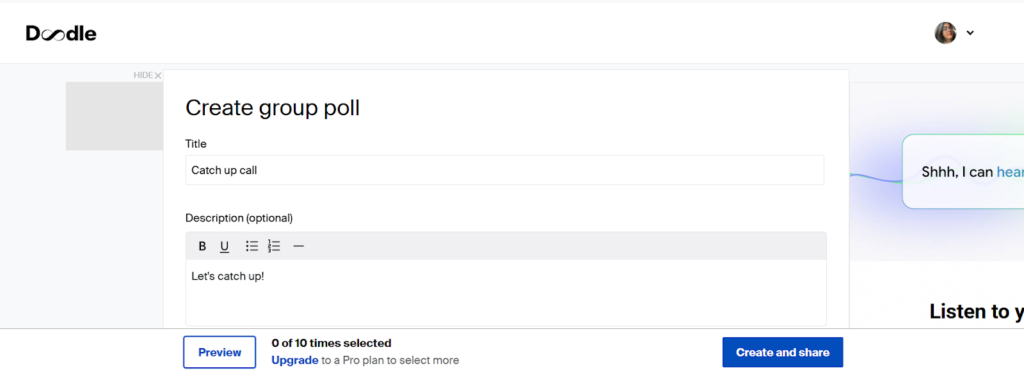
The group poll is the feature that built Doodle’s entire reputation, and after using it myself, I understand why. I created a poll, loaded it up with time slot options, shared the link, and participants voted without touching a sign-up form.
There’s no account required for anyone voting, and that frictionless entry is what makes it genuinely useful. When I sent the poll link to someone outside my organisation, they opened it and voted in under a minute.
The visual grid showing everyone’s availability is clear and readable, so I could immediately see which slot had the most overlap.
Booking Pages
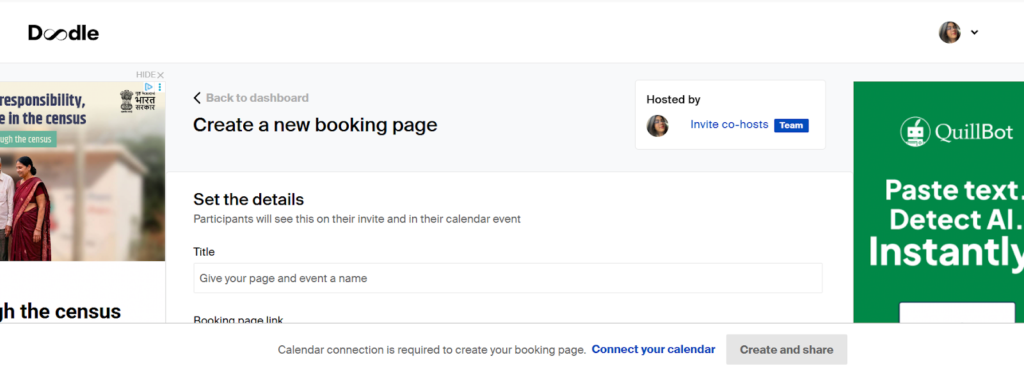
I set a booking page up in Doodle, connected it to my calendar, and it reflected my real-time availability without me having to manually update anything. People could book directly into open slots.
Free users get one booking page, though it comes served with ads, which I’ll get into later. On the other hand, Pro users can create as many separate booking pages as they need, each with its own rules and branding.
Calendar Integrations
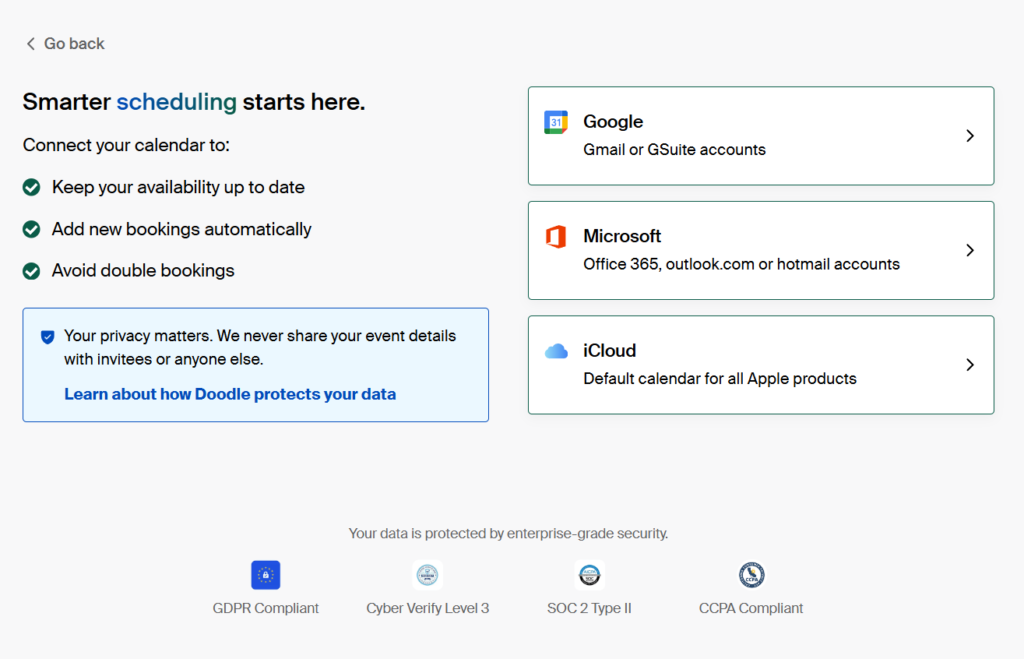
Doodle syncs two ways with Google Calendar, Outlook, and iCal, and also connects natively with Zoom, Google Meet, Microsoft Teams, and Webex. This means confirmed meetings push back to my calendar automatically and a video conferencing link gets added without me doing anything.
I didn’t run into issues during testing, though I’ll note that other users have flagged sync delays when calendar changes happen in real time. More on that in the cons section.
Time Zone Auto-Detection
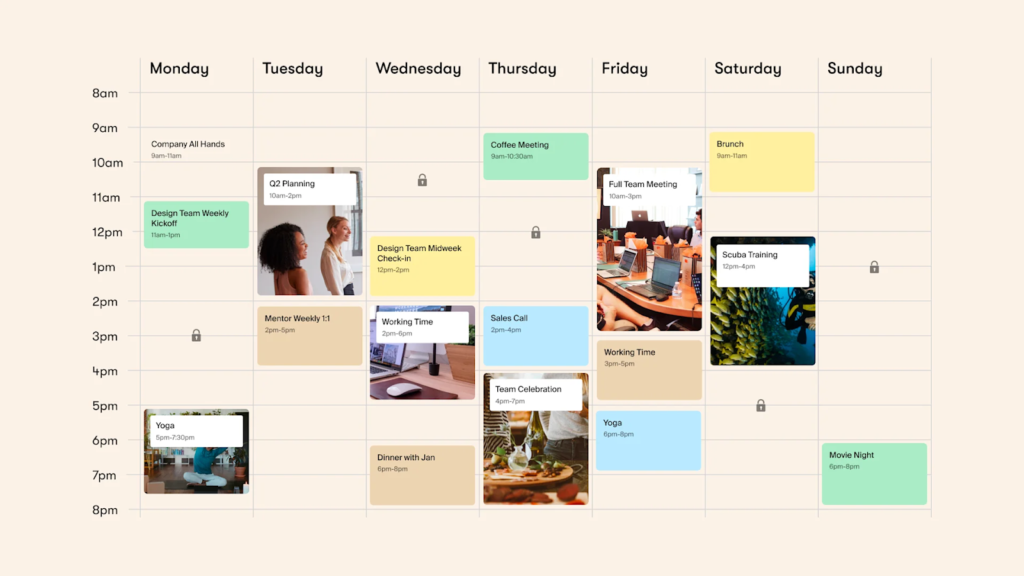
via Doodle
Doodle automatically detects and converts time zones for both organisers and participants.
I tested this across a poll shared with people in different time zones and each person saw the slots in their own local time. For global teams or anyone scheduling across regions, this is the feature that quietly does the most work.
Sign-up Sheets
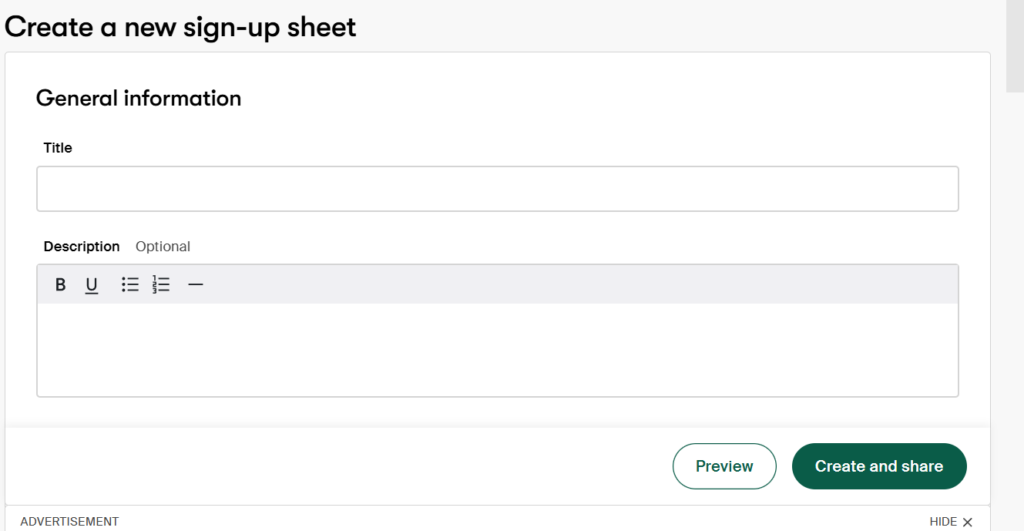
This one surprised me. Sign-up sheets let participants each claim their own individual slot. I used it to organise recurring 1:1 sessions across a small team and it worked cleanly.
It’s genuinely useful for workshops, office hours, and volunteer sign-ups, and I think it’s the most underrated feature Doodle’s scheduling app offers.
Doodle Pricing: Free vs. Pro vs. Team
I’ll be straight with you, the pricing structure is simple enough, but what you get at each tier varies more than you’d expect. This is a brief breakdown.

Free
The free plan covers group meetings, one booking page, and Sign-up Sheet. Zoom and Google Meet are included too. The catch is that ads run on every poll and booking page you share, and customisation is basically non-existent.
For scheduling a casual team meeting or a one-off group event, it works. For anything client-facing, I’d hesitate.
Pro
The Pro plan sits at $14.95/month per user (billed monthly). It removes ads, unlocks unlimited booking pages and 1:1s, and adds custom branding, Microsoft Teams, Webex support, and Zapier.
You can also track who’s responded and send reminders to participants who haven’t.
Team
The Team plan costs $19.95/month per user (billed monthly for five users), and includes everything in Pro. On top of that, you get an admin console, roles and permissions, co-hosting, booking on behalf of others, and activity reports.
It scales from 2 to 100 users, which makes it a reasonable fit for HR teams, recruiting ops, or any team that needs shared scheduling under one managed account.
What Doodle Does Well
I went through verified Doodle reviews on G2 and Capterra alongside my own experience testing the scheduling tool. A few genuine strengths came up consistently enough that I can’t ignore them.
Scheduling Efficiency
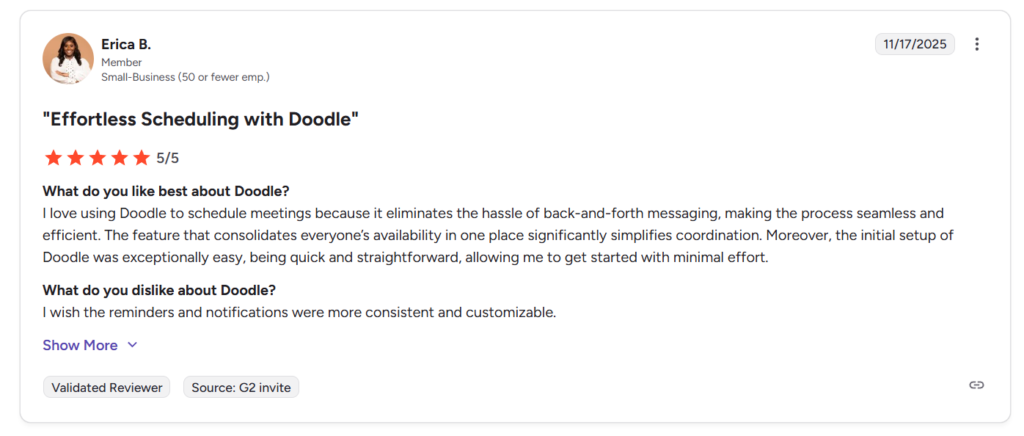
This is one of the most praised aspects across reviews, and I felt this firsthand. You build the poll, share it, and the back-and-forth simply stops.
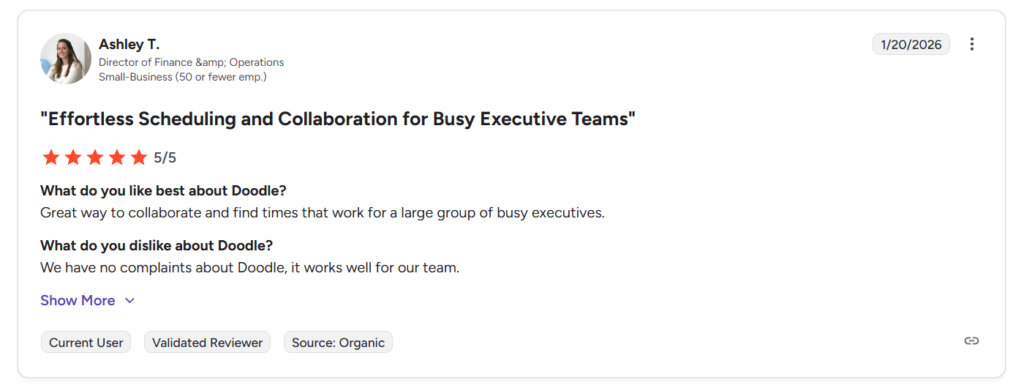
via G2
Booking Management
I set up a booking page during testing, connected it to my calendar, and it reflected my availability accurately without me touching it again. The Doodle scheduling app does exactly what it promises.
via G2
Easy to Use for Everyone Involved
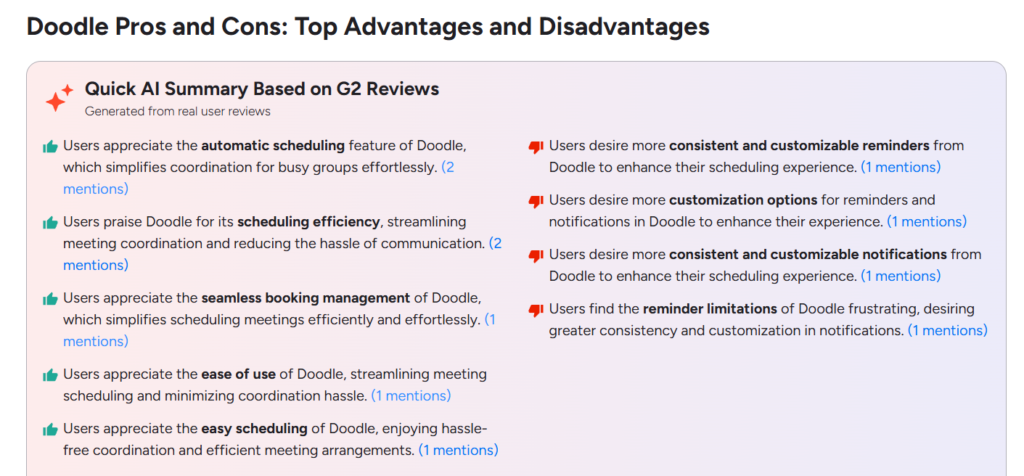
Ease of use is one of the top-rated positives on G2.
via G2
I’d add that anyone I’ve shared a Doodle scheduling poll link with has figured it out without needing instructions. That kind of zero-explanation usability is rarer than it should be.
Where Doodle Falls Short
Here’s where I stop being diplomatic. These are recurring complaints across reviews that showed up in my own testing too.
Reminders and Notifications are Inconsistent

via G2
A poll I sent out got fewer responses than it should have because people said they never saw a follow-up. Reviewers want more consistent reminders, more customisation over when and how notifications fire, and better reliability overall.
The Free Plan is Hard to Use Because of Ads

via G2
I opened a free poll during testing and the page was sluggish because of everything running on it. Sharing that link with a client would have been embarrassing. Doodle markets a free tier, but the experience has deteriorated to the point where it’s hard to recommend for anything professional.
Who Should Use Doodle in 2026?
The answer depends entirely on what you’re trying to solve. After testing the Doodle scheduling app and reading through what real users say, here’s my honest read.
Doodle makes the most sense for remote teams coordinating across time zones, HR teams running multi-stage interview rounds, educators organising group sessions, and anyone scheduling regularly with external participants who aren’t going to sign up for yet another platform.
If you need CRM sync, automated booking funnels, or a free tier that looks professional when shared with clients, Doodle will frustrate you. Those limitations are structural, and they’ve been there long enough that they’re clearly not going away.
In contrast, if you need more automation or a free experience you’re not embarrassed to share with clients, spend some time with Doodle review and alternatives before you commit.
FAQs
Is Doodle free to use?
Yes, the free plan covers group meetings, one booking page, and sign-up sheets, along with Zoom and Google Meet support. It runs on ads and has limited customisation.
What is the difference between Doodle and Calendly?
Doodle and Calendly solve different problems. Calendly doesn’t have a group poll feature for finding a shared time across many participants; that’s Doodle’s core strength as a scheduling tool. Calendly wins on individual booking automation and CRM integrations.
Is Doodle good for large group scheduling?
Yes, Doodle’s scheduling poll feature handles large participant counts well, and the availability grid makes the winning time slot easy to spot.




One comment on “Doodle Review: Does It Still Work for Scheduling in 2026?”